
How to Search Lake County Court Records
The main public tool is ShowCase, the Clerk's online case-search portal. ShowCase covers circuit and county trial-court cases handled by the Lake County Clerk of the Circuit Court and Comptroller. The system exposes case-level data, parties, dockets, court events, charges, arrests, and document-image flags. Free public users see the public role view, and some images are limited by case type, by year, and by document content.
The Clerk's gateway sits in front of ShowCase and explains image limits. Cases before 2003 generally lack images. Criminal traffic has no images before 2009. Civil traffic has no images before 2013. Have a case number, full party name, or citation number ready before you start. Use the Search Online Court Records gateway page to begin.
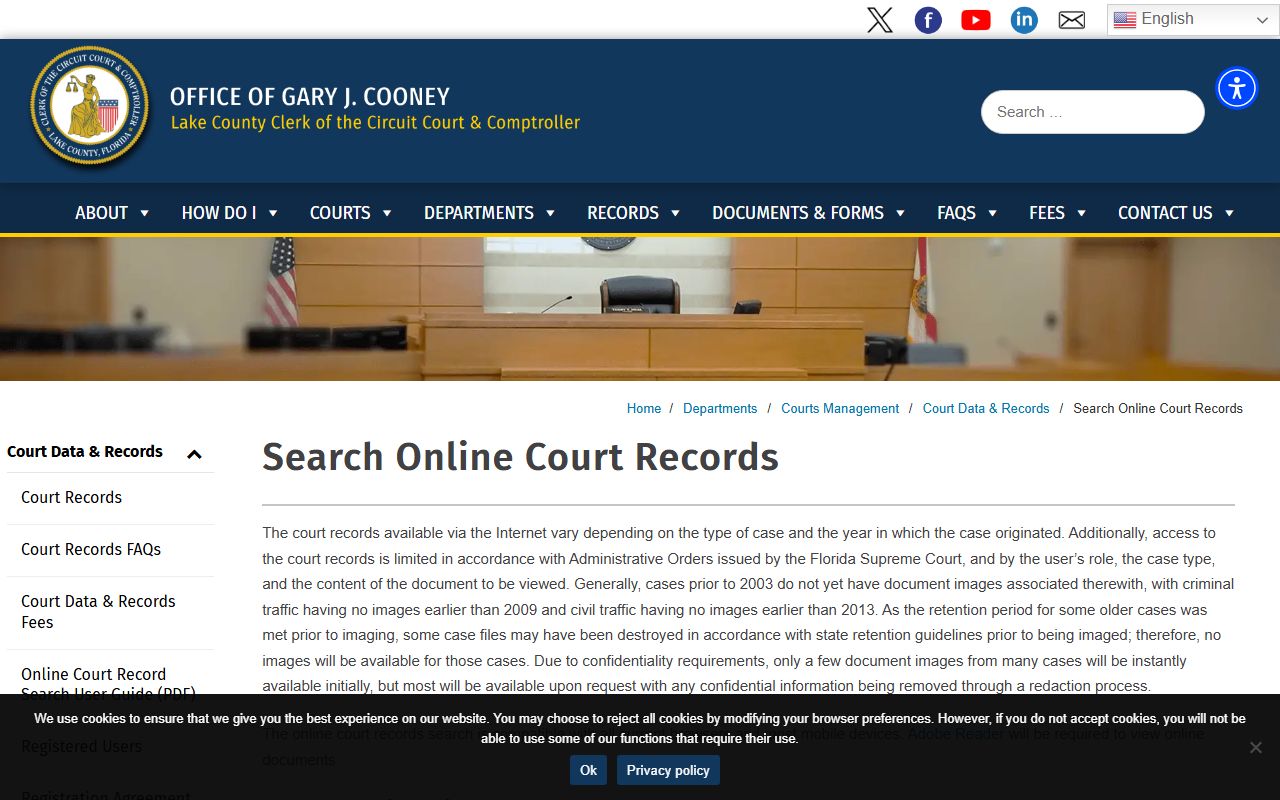
The acknowledgement screen explains why some documents will not appear on demand, even when a docket entry exists for them.
- Open the Clerk's Search Online Court Records gateway page and read the access notice.
- Click Accept and Search Court Records to load ShowCase in a new view.
- Pick Case Search for cases by name, case number, judge, status, or court type. Pick Citation Search for traffic citation numbers.
- Type the search value. Choose Exact, SoundEx, or Starts With for name matching.
- Review the result list. Click a row to open the case detail.
- Inspect the tabs for parties, dockets, court events, charges, arrests, and financial balance.
- On the docket tab, look for an image flag. A line with images may be viewable, sealed, or restricted.
- If a needed image is not viewable, request a redacted copy from the Clerk or visit the courthouse.
The Clerk runs the search engine through the ShowCase court records portal shown below.
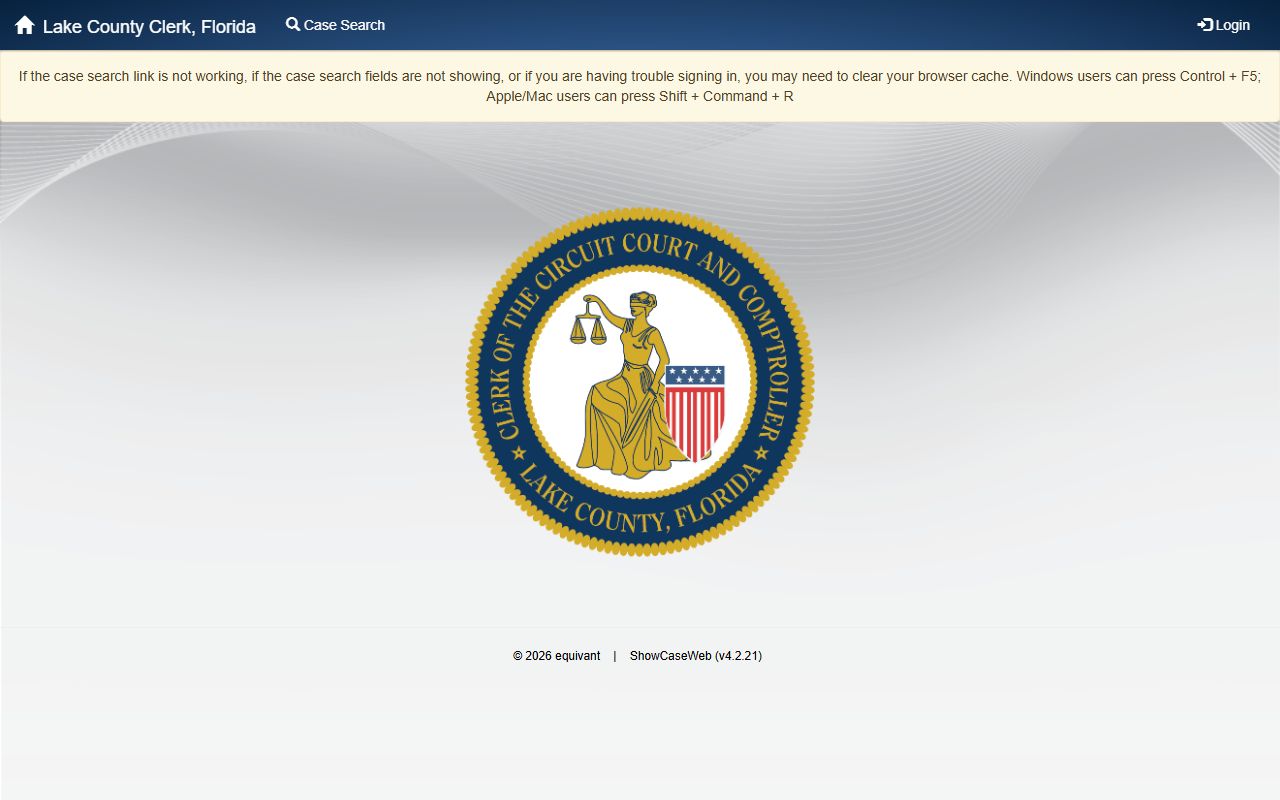
The portal screen is where every public search begins, and the Case Search and Citation Search panels live on this same page.
Lake County Court Records Search Fields
ShowCase gives several fields to narrow a case query. None are required on their own. Combine fields to cut down on common-name hits. The table lists the public fields on Case Search and Citation Search.
| Field Label | Type | Required | Notes / Format |
|---|---|---|---|
| Case Number | Text | Optional | Examples: 35-2026-CF-000553-AXXX-01 felony, 35-2026-MM-002056-AXXX-01 misdemeanor, 35-2026-TR-007606-AXXX-01 traffic. |
| Last Name | Text | Optional | Exact, SoundEx, or Starts With match modes apply. |
| First Name | Text | Optional | Same match modes. Use with last name to narrow common names. |
| Judge | Dropdown | Optional | Pulled from the Clerk's judge list. Includes current circuit and county judges. |
| Status | Dropdown | Optional | OPEN, CLOSED, REOPEN, APPEAL, DUE, STAY, PROBATION, COMMUNITY CONTROL, PTI PROGRAM, and others. |
| Court Type | Dropdown | Optional | Felony, Misdemeanor, Criminal Traffic, Circuit Civil, County Civil, Small Claims, Traffic, Probate, Family, Delinquency, Dependency, Mental Health, 5th DCA. |
| Search Type | Radio | Optional | Exact, SoundEx, or Starts With. Use Starts With when spelling is unsure. |
| Show One Row Per Case | Checkbox | Optional | On by default. Turn off to see every party row. |
| Citation Number | Text | Optional | Lives in the Citation Search panel. Use the ticket number from the officer. |
Note: Public users see a public role view, so some result columns are limited or masked while attorneys and registered users see more case detail.
Types of Lake County Court Records
Lake County trial courts handle a wide mix of case categories, and the Clerk groups records by court type. The Fifth Judicial Circuit is the felony, family, probate, juvenile, mental health, and large civil trial court. County Court handles misdemeanors, traffic, small claims, evictions, ordinance cases, and county civil. The two layers share the same Clerk and the same Tavares courthouse, so ShowCase results pull from both. The list below shows the most common types of court files a searcher will run across.
- Civil. Circuit civil covers contracts, foreclosure, negligence, malpractice, and large-dollar disputes. County civil covers small claims, replevin, and evictions.
- Criminal. Felony files sit in circuit criminal. Misdemeanor files sit in county criminal. Both share charge, plea, and disposition fields.
- Traffic. Civil traffic, criminal traffic such as DUI, and ordinance citations all live in the Clerk's traffic system.
- Family and domestic relations. Divorce, alimony, child support, custody, paternity, name change, adoption, and protective injunctions.
- Probate, guardianship, and mental health. Wills, estates, trusts, guardianship, Baker Act, risk protection orders, and substance abuse cases.
- Juvenile. Delinquency and dependency files, most of which are confidential by Florida law.
- Appellate. The Clerk's court type list includes 5th DCA and Supreme Court Appeals lines tied to local trial records.
Marriage licenses, deeds, and other recorded instruments are not court case files. They live in the Official Records portal called Acclaim, not ShowCase.
What Lake County Court Records Show
A Lake County case record stores both the case-level summary and the line-by-line docket. The table below pairs each common field with the kind of data it shows.
| Field | What It Shows |
|---|---|
| Case Number | Unique public ID in the format 35-YYYY-XX-NNNNNN-AXXX-01. The two-letter code marks case type, such as CF, MM, or TR. |
| Court Type | Felony, misdemeanor, circuit civil, county civil, small claims, traffic, probate, family, dependency, or other category. |
| Case Status | OPEN, CLOSED, APPEAL, REOPEN, DUE, STAY, PROBATION, COMMUNITY CONTROL, PTI PROGRAM, or COMMITMENT. |
| Party Type | Plaintiff, defendant, petitioner, respondent, or other role tied to the case type. |
| Filing Date | Date and time the case was filed with the Clerk. |
| Offense Date | For criminal and traffic cases, the date of the alleged offense. |
| Citation Number | Officer-issued citation number for civil or criminal traffic cases. |
| Charges | Statute number, offense description, offense level, plea, disposition, prosecutor action, and court action. |
| Docket | Numbered, dated event log of every filing and ruling in the case file. |
| Court Events | Hearing type, courtroom, location, date, and time. |
| Fee Balance | Outstanding court costs, fines, or fee balance on the case. |
| Disposition | The result of a charge or case, such as guilty plea, nolo contendere, dismissed, or judgment for plaintiff. |
| Security Flags | Markers such as isSealedCase, isExpungedCase, isNonPublicCase, isJuvenileCase, isAdoptionCase, and isJimmyRyceCase. |
| Document Image Flags | hasImages, sealed, notViewable, and pending markers on each docket line. |
SSNs and driver license numbers are masked in public results. The Clerk publishes a fuller breakdown on the official court records FAQs page, shown below.
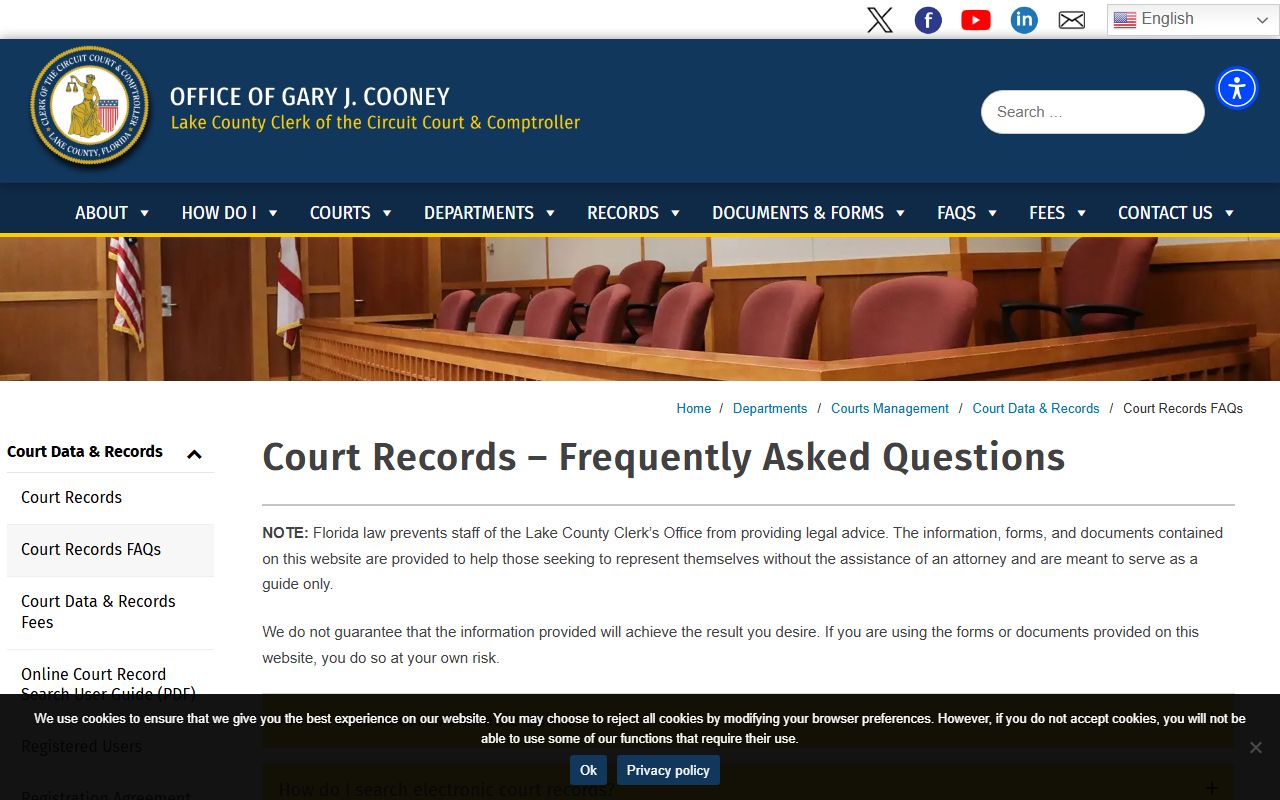
The FAQ page answers common questions about search limits, image access, and how to request copies that are not online.
Public Access Framework
Florida's public-records framework is broad. Chapter 119 of the Florida Statutes sets the baseline rule that state and county records are open unless a specific law makes them confidential. Court records get an extra judicial-branch layer because the Florida Supreme Court controls access to court files. The Clerk's gateway notice points to Florida Statutes section 119.0714 on court files and to Florida Rule of General Practice and Judicial Administration 2.420 for the access rules.
Anyone may use ShowCase for free. Anyone may visit the Clerk's office to inspect a non-confidential court file or request copies. Fees apply for paper copies, certified copies, and some staff time under Florida Statutes section 28.24. The Clerk lists current per-page and certification rates on the Court Data and Records fee page. ID is not required to inspect a public file, but the Clerk will ask for ID to release some restricted material.
Some cases are confidential as a whole. Many other cases are public but contain pages or fields that are confidential. Rule 2.420 walks through the categories and the redaction steps. Some images stay offline even when the docket entry is public, because the Clerk has not finished redacting them or because online release is limited for that case type.
Note: Public access is the default in Florida, but court records receive a second layer of review under Rule 2.420 that can limit what appears online.
Sealed or Confidential Records
Some Lake County cases are sealed, expunged, or confidential by law. ShowCase signals these with flags such as isSealedCase, isExpungedCase, isNonPublicCase, isJuvenileCase, isAdoptionCase, isAbortionCase, and isJimmyRyceCase. When a flag is set, the system blocks public view of the file or at least of its documents. SSNs and driver license numbers are masked in public results by default.
Juvenile delinquency and dependency files are confidential under Florida Statutes section 985.04. Adoption files are confidential under Florida Statutes section 63.162. Some mental health, Baker Act, and substance abuse cases are restricted too. Sealing is governed by Florida Statutes section 943.059. Expunction is governed by Florida Statutes section 943.0585. To seal or expunge a Lake County case, a person files a petition in the trial court that handled the case, attaches a Certificate of Eligibility from FDLE, and serves the State Attorney.
To view a sealed file as a party or attorney of record, file a written motion and ask the assigned judge to authorize access. The Clerk cannot release a sealed file without a court order. Members of the public who are not parties usually cannot view sealed material at all.
In-Person Court Record Requests
The main Clerk office is in downtown Tavares, attached to the Lake County Courthouse. Walk-in visitors may inspect non-confidential case files at the counter, request certified copies, and pay fees in person. Bring a photo ID, the case number if known, and payment for any copies. A North Lake branch in The Villages and a South Lake branch in Clermont handle limited services.
Clerk of the Circuit Court and Comptroller
550 W. Main Street
Tavares, FL 32778
352-742-4100
Monday to Friday, 8:00 a.m. to 5:00 p.m.
Mail court correspondence to PO Box 7800, Tavares, FL 32778-7800. Free public parking sits in the eight-story garage at 200 N. Sinclair Avenue, two blocks from the courthouse.
Document Images, Redaction, and Older Records
ShowCase docket lines often carry a hasImages flag that tells the user whether a scanned image of a filing is loaded into the system. When the flag is true and the case is public, the image opens in the viewer. When the case is sealed, the image will not open for the public role. When the image is still under redaction review, it shows as not viewable.
The Clerk's gateway warns that the Clerk cannot auto-redact confidential information in many circuit civil, county civil, and small claims cases. That rule shifts redaction work onto the filing party. A public user who needs a viewable copy of one of those files can ask the Clerk to review and redact the document under the public records process.
Older paper files are a separate story. Most cases before 2003 have no scanned images. For older records, expect to make a written request and possibly to visit the courthouse. The screenshot below shows the Clerk's fee page that governs copy costs.
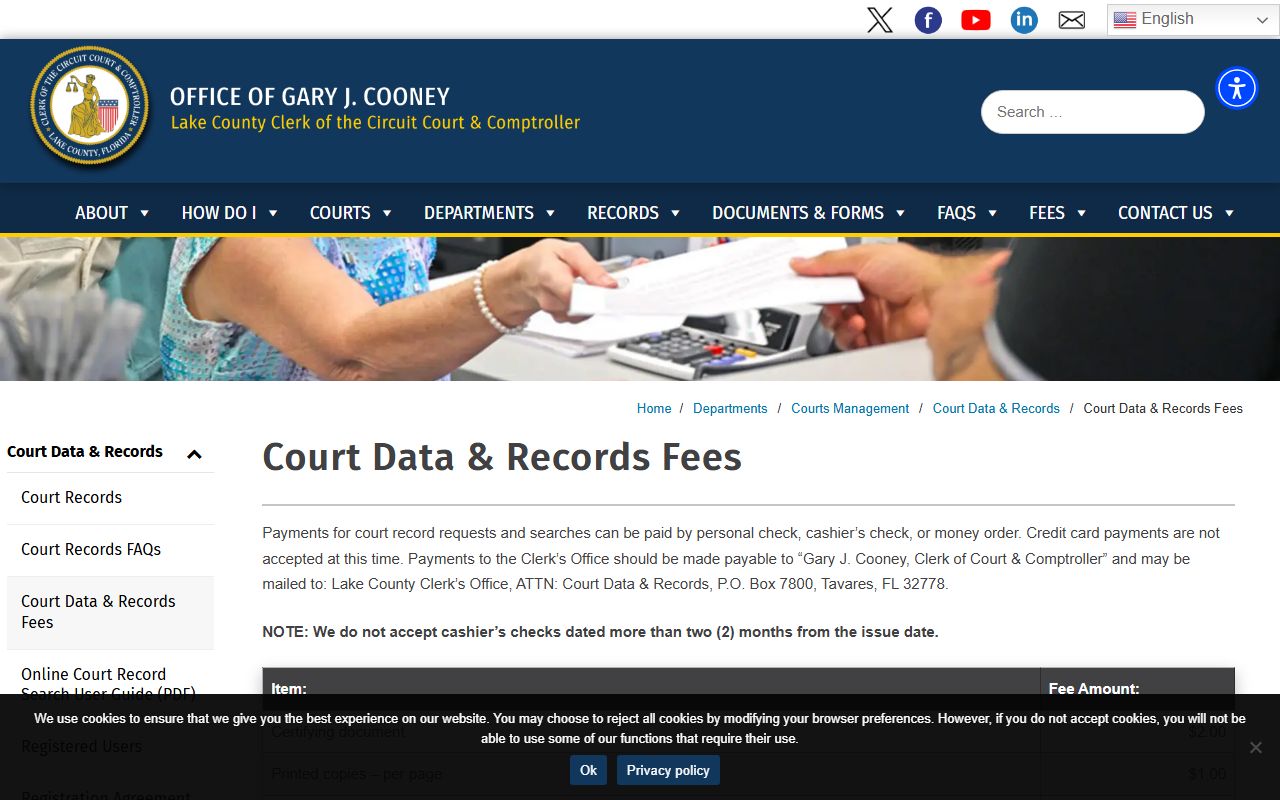
Fees on that page apply to copies, certifications, research time, and storage retrievals, so it is the right place to plan a copy request.
Registered User Access
Attorneys of record, parties of record, and certain government users may apply for a registered-user account. A registered role unlocks more case detail and more document images than the free public role. The Clerk does not charge a fee to register or to use the service, but the user must sign a Registration Agreement form and accept the role rules. Passwords must be changed every 90 days.
Registered access is not the same as a paid data subscription. The Clerk also offers Subscription Services for bulk data feeds, aimed at title companies and other heavy users. Most attorneys only need the free registered role to handle their own cases.