
What a Lake County Court Docket Shows
A docket in Lake County is the case event list kept by the Clerk of the Circuit Court & Comptroller. It is not the full file. The full file holds the actual motions, orders, exhibits, plea forms, and judge rulings. The docket is the index that tells you what was filed, when, and by whom. Each line on a Lake County docket holds a docket number, an effective date, a short description, and flags that show if there is a document image, if the entry is sealed, or if it is not viewable in public view. The ShowCase portal is where these lines show up online.
The docket is useful for tracking a case in real time. A felony case can pile up many docket lines fast. An arrest affidavit gets logged. A first appearance order goes in. An indigency affidavit lands next. Then a plea negotiation conference is set, the State files an information, and a written plea agreement may be entered weeks later. Each step is one line. The docket reads like a timeline of how the case moved through the Fifth Judicial Circuit, which covers Lake, Citrus, Hernando, Marion, and Sumter Counties.
One thing to keep in mind. Some lines have document images attached and some do not. Cases before 2003 often have no images at all. Criminal traffic lacks images before 2009. Civil traffic lacks images before 2013. Older files may have been destroyed under state record retention rules before they were ever scanned.
How to Search Lake County Court Dockets
The Clerk runs a public gateway page that links into the ShowCase court search. You must accept the court record notices before the portal will load. The notices cover redaction rules, image limits by case type and year, PDF/A hyperlinks, and accuracy disclaimers. After accepting, the search tool opens in a new window with Case Search and Citation Search panels.
- Open the official Clerk gateway at Search Online Court Records and read the notices.
- Click Accept and Search Court Records to launch the ShowCase portal.
- Pick a Court Type from the drop down list (Felony, Misdemeanor, Traffic Infractions, Circuit Civil, Small Claims, Domestic Relations, Probate, and others).
- Enter a case number, a last name and first name, a citation number, or pick a judge from the official judge list.
- Choose a match type: Exact, SoundEx, or Starts With. Starts With helps when the spelling is uncertain.
- Submit the search and review the result rows. Click a case to open docket entries, court events, parties, charges, and arrest tabs.
- Look for docket lines that show hasImages true; click those to view or request the document image where viewable.
The gateway also explains how registered attorney and agency users get extended access. There is no fee to register or use the public service, but document level access is governed by user role, case type, and Supreme Court administrative orders. The official court records user guide walks through the same flow with screen shots.
For a wider view of how the Clerk handles public records and what is available outside the docket, see the Lake County court records page.
Docket Entry Fields and Format
Each docket entry on a Lake County ShowCase case has a defined set of fields. The portal pulls them from the Clerk case management system. When you open a case and click the Docket tab, the table below is what you are looking at, in column form. Understanding these labels helps a non lawyer read a docket without guessing.
| Field | What It Shows |
|---|---|
| docketID | Internal record key for the docket line. |
| seqPos | Position number of the entry in the case event order. |
| docketNumber | Display number used by the Clerk on the public list. |
| effectiveDate | Date the filing or event takes effect on the case. |
| docketCount | Count of pages, copies, or charge counts tied to the entry. |
| description | Short text label such as Arrest Affidavit or Order on First Appearance. |
| book | Official Records book reference where the entry was recorded if applicable. |
| page | Official Records page reference paired with the book. |
| hasImages | True or false flag. True means a document image exists for the entry. |
| sealed | Indicates the docket line is sealed and the image is not public. |
| notes | Clerk notes added to the entry where useful. |
| vor / vorPending | View on request flags used for redaction or controlled access. |
| notViewable | Marks an entry that cannot be opened in the public view. |
Note: A line with hasImages true is not always viewable. Sealed, notViewable, and view on request flags can still block public access to the image.
Sample Criminal Docket Entries
A criminal case can build a long docket fast. The list below is a real set of entry types observed on a single Lake County misdemeanor case during a public ShowCase inspection. Each line is one event in the case. The order may vary by case, but the entry types are typical for a Lake County felony or misdemeanor matter.
- Arrest Affidavit. The sworn statement from the arresting officer that starts the criminal court file.
- Investigative Cost Report. Filing that lists agency costs tied to the investigation for later assessment.
- Order on First Appearance Regarding Counsel - Appointed. Judge's order at first appearance addressing legal counsel and indigency.
- Affidavit of Indigent Status. Sworn statement used to decide whether the public defender will be appointed.
- Set on PNC - Plea Negotiation Conference. Calendar entry placing the case on the plea conference docket.
- Letter from Clerk re: Indigent Application. Clerk's letter following up on the indigency application process.
- Notice of Appearance / Waiver of Arraignment / Plea of Not Guilty / Notice of Discovery. Combined defense filing that enters appearance, waives arraignment, pleads not guilty, and demands discovery.
- Not Guilty. Formal plea entry on the docket.
- Order Setting Cases for PNC. Judge's scheduling order for the plea negotiation conference.
- State's Discovery Exhibits. Discovery items filed by the State Attorney's office.
- Information Filed. Formal charging document filed by the State Attorney.
- Written Plea Agreement. The signed plea deal placed on the record.
- Cancelled PNC. Notation that a plea negotiation conference was cancelled or rescheduled.
The takeaway is that a docket is not just the final outcome. It is the procedural timeline. Track the dates next to each line and you can see exactly how the case moved. For more on what flows out of an arrest into the court file, see Lake County criminal records.
Civil and Probate Dockets
Civil dockets in Lake County cover circuit civil and county civil cases. Circuit civil includes contracts, indebtedness, eminent domain, malpractice, negligence, products liability, condominium, and real property or mortgage foreclosure. County civil covers replevin, small claims, and landlord/tenant evictions. Civil docket lines often read complaint, summons, return of service, motion to dismiss, response, order, hearing notice, and final judgment. Each one is a step in the lawsuit.
Probate, guardianship, and mental health are grouped under family and probate court types. Probate dockets list events like petition for administration, letters of administration, inventory, notice to creditors, claim filings, and final accounting. Guardianship dockets show petition for guardianship, appointment of guardian, annual plan, annual accounting, and review hearings. Some mental health and guardianship records are confidential or restricted under Florida law, so the public docket view may show fewer lines than the full file holds. See Probate Records for the rules that apply.
Family law dockets, including divorce, alimony, child support, custody, paternity, and name change, can have mixed access. The line list may be public while attached financial affidavits, minor children's information, or protected addresses are restricted by Fla. Rule of Jud. Admin. 2.420. Adoption files are confidential under Fla. Stat. § 63.162.
Court Events and Hearings
Court events are different from docket entries. A docket entry is a filing or a clerk action. A court event is a scheduled hearing or court appearance. Both show up in the case record, but they live in different tabs. The Court Events tab is what to check when you want hearing dates, courtroom assignments, and event times.
The Lake County Courthouse is at 550 W. Main St., Tavares, FL 32778, and the Fifth Judicial Circuit page lists phone 352-253-1600 for Lake County circuit operations. Court events posted on ShowCase tell you which room the hearing is in and which judge is on it. For a wider directory of court contacts, see Clerk of Court.
| Court Event Field | What It Shows |
|---|---|
| courtEventType | Type of hearing, such as Plea Negotiation Conference or Plea in Absentia. |
| courtRoom | Courtroom assigned for the event. |
| courtLocation | Building location, often the Lake County Courthouse in Tavares. |
| courtEventNotes | Clerk notes for the event, including cancellation or continuance reasons. |
| courtEventDate | Date the hearing is set. |
| courtEventTime | Time of day for the hearing. |
Event types observed during inspection included MM - Plea in Absentia and Cancelled PNC - Plea Negotiation Conference. Hearings that get continued generate fresh court event lines on later dates. Traffic cases get their own event types. For traffic specifics, look at traffic court records.
Document Image Indicators
Not every docket line on a Lake County case comes with a clickable image. The portal uses several flags to tell users what is online, what is held back, and what needs a redaction step before it can be viewed. The Clerk shows these flags openly in the search result and on the docket tab.
The Fifth Judicial Circuit publishes its own Lake County information page that lines up with what shows in ShowCase.
This screenshot comes from the Fifth Judicial Circuit's Lake County page on the circuit5.org site.
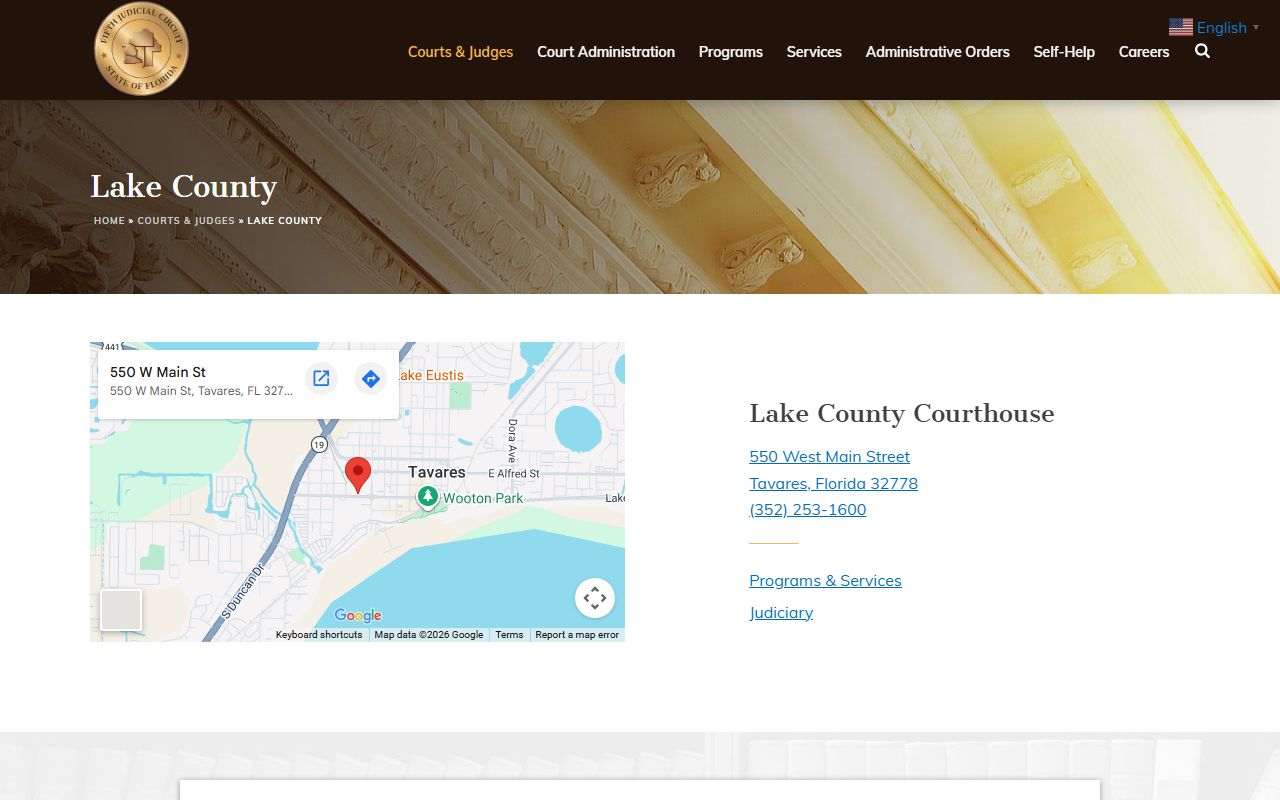
The page lists the Lake County Courthouse address and circuit phone numbers used by judges and court administration, which is the same building that produces the docket entries on ShowCase.
The most useful image flags on a docket line are:
- hasImages true. The Clerk has a scanned image attached to the entry. Click to view if no other flag blocks access.
- hasImages false. There is no scanned image. The line still describes the event, but no document is online.
- sealed true. The entry is sealed under court order or by statute. The public cannot view the image even if it exists.
- notViewable true. The image exists but is held back from the public view, often for redaction or confidentiality.
- vor / vorPending. View on request status. The image can be released after redaction or after a registered access check.
- isJuvenileCase, isAdoptionCase, isAbortionCase. Whole case flags that lock down the case under statute.
Sealing and expunction rules sit in Fla. Stat. § 943.059 and § 943.0585. Court file public records access rules are in Fla. Stat. § 119.0714.
How Recent Updates Post
The ShowCase portal is fed by the Clerk's case management system. Entries do not post in real time. The Clerk runs a daily maintenance window and posts updates after the day's filings and orders have been processed. That means a docket viewed in the morning may not yet show an entry from a hearing that happened the day before. Check back later in the day, or the next business day, for fresh lines.
The same delay applies to court event updates. If a hearing is continued, the event line may move only after the courtroom passes the change through the case management system. Sealed and expunged entries can also vanish from view after a court order is processed, which may happen days after the order date. For added context on access timing, the Clerk's court records FAQ covers common timing questions.
For a quick image of the public search front door, here is the ShowCase landing page.
The screenshot below shows the public ShowCase court search entry screen.
From this landing page, users pick the search type, enter case or party data, and pull docket lines for any case in the Lake County system.
Note: Older case images may be missing. Cases before 2003 often have no images; criminal traffic lacks images before 2009; civil traffic lacks images before 2013.
Reading the Lake County Case Number Format
Every Lake County case has a case number that follows a fixed pattern. Once you know the pattern, you can read a case number at a glance and tell what kind of case it is and what year it was filed.
The pattern is 35-YYYY-XX-NNNNNN-AXXX-01. Example numbers from the Clerk's own system:
35-2026-CF-000553-AXXX-01for a felony circuit criminal case.35-2026-MM-002056-AXXX-01for a misdemeanor county criminal case.35-2026-TR-007606-AXXX-01for a traffic case.
The 35 prefix is the Florida state code for Lake County. The YYYY is the filing year. The two letter code is the case type: CF for felony, MM for misdemeanor, TR for traffic, with other codes for civil, family, and probate. The six digit NNNNNN is the case sequence number. The AXXX and trailing two digits are internal sub case markers.
If you have only a partial number, the ShowCase Case Number search still works because the portal allows partial matches in some fields. If all you have is a citation number, use the Citation Search panel instead. For more case number help and other common questions, see the FAQ page.